Money & Tech
Foreign Credit Card 3D Secure & SMS OTP Payment Failures in Korea: 5 Working Fixes for 2026
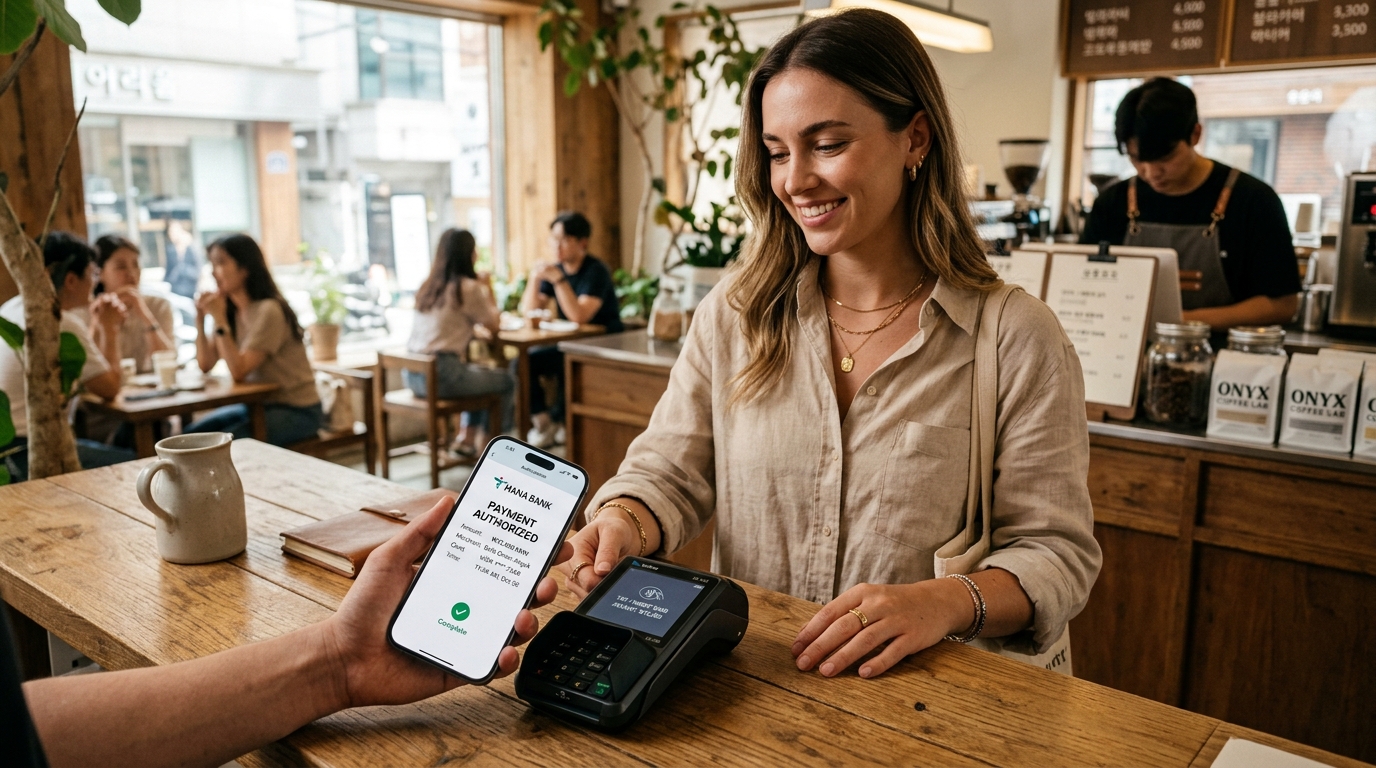
📈 Trend signal: High volume foreign tourist queries regarding credit card declines on Korail, CatchTable, and Korean checkout gateways
You land at Incheon Airport, activate your brand-new Korean data eSIM, and sit down to book a KTX train ticket to Busan on Korail, reserve a viral dining spot on CatchTable, or place an order on Musinsa. You enter your Visa or Mastercard details, click “Pay,” and suddenly the screen freezes on a blank white pop-up, throws a cryptic Korean gateway error (“결제 승인 실패” / “안심클릭 인증 오류”), or prompts you for a 6-digit SMS One-Time Password (OTP) that never arrives on your phone.
You try a second card from Chase, a third from Barclays, and maybe an Apple Card. Every single one is rejected, even though your bank shows zero fraud alerts.
This is the Korean 3D Secure (3DS) & SMS OTP Trap — the single most frequent digital brick wall international visitors encounter in South Korea. Here is the exact technical breakdown of why Korean payment gateways fail with foreign cards, why your eSIM is silently blocking your security codes, and the 5 field-tested workarounds to complete any booking in 2026.
The Technical Reality: Why Korean Checkouts Reject Foreign Cards
To understand why your payment failed, you have to look behind the curtain of South Korea’s domestic financial architecture.
In South Korea, online commerce does not process credit cards directly through standard international merchant accounts. Instead, every transaction routes through massive domestic Payment Gateway (PG) aggregators — primarily KG Inicis, NHN KCP, Toss Payments, and Danal.
💡 The Two Main Points of Failure for Foreign Visitors:
- 1. The Domestic PG 3DS Handshake Drop: Korean PG systems were engineered around Korean national ID authentication (주민등록번호) and domestic bank security apps (ISP/페이북, 앱카드). When an international Visa or Mastercard triggers 3D Secure 2.0 (EMV 3DS), the Korean PG often fails to render the issuing bank’s secure iframe inside mobile web views, leading to an infinite loading spinner or an instant timeout.
- 2. The Data-Only eSIM Disconnect: Most travelers purchase a local Korean data eSIM or tourist SIM card. To avoid international roaming charges, they toggle off their home physical SIM line. But your home bank (Chase, Bank of America, HSBC, Citibank) sends the 2FA verification SMS exclusively to your registered home mobile number. Because that line is disabled, the SMS vanishes into the void, leaving you stranded at checkout.
5 Verified Fixes to Complete Any Payment in Korea
If you are currently stuck on a failed payment screen, use these 5 verified methods to bypass the authentication bottleneck.
1. Enable Dual-SIM “Wi-Fi Calling / SMS Roaming” (Zero Roaming Fee Hack)
You do not have to pay expensive $10/day international roaming passes just to receive SMS verification codes. Most modern iPhones and Android smartphones support active Dual-SIM standby.
- Keep your Home SIM ON: Go to your phone’s cellular settings. Keep your Primary SIM (Home carrier) turned ON, but disable “Data Roaming” on that specific SIM line.
- Set Korean eSIM as Cellular Data: Assign your Korean eSIM as the sole provider for “Cellular Data” and enable “Allow Cellular Data Switching = OFF”.
- Enable Wi-Fi Calling: Turn on Wi-Fi Calling for your home line before departing or while connected to hotel Wi-Fi in Seoul.
- The Result: Incoming SMS messages are free on almost all major global carriers (Verizon, T-Mobile, AT&T, EE, Vodafone, Singtel). Your bank’s 6-digit OTP code will arrive instantly over cellular signal or Wi-Fi while 100% of your internet traffic runs through your inexpensive Korean eSIM.
2. Switch to App-Based Biometric Verification (Wise, Revolut & Apple Card)
If your primary bank insists on sending SMS codes rather than push notifications, switch your payment card to a modern travel fintech card like Wise or Revolut.
📌 Why Fintech Cards Pass Korean 3DS Smoothly:
- When a Korean merchant triggers 3DS authentication with Wise or Revolut, the system does not rely on SMS. Instead, it sends an instant in-app push notification.
- You simply open the Wise or Revolut app, confirm with Face ID or fingerprint, and return to the Korean checkout. The transaction completes in under 3 seconds with zero SMS requirements and zero foreign transaction fees.
3. Use Foreign-Dedicated Booking Portals Instead of Domestic Web Pages
Many major Korean services run two separate payment engines: an internal domestic portal (strictly for Korean cards and bank transfers) and an international English portal (equipped with Stripe, PayPal, or Global CyberSource).
- KTX / SRT High-Speed Rail: If the domestic Korail app (Korail+) fails, switch to the official Korail English Web Portal (
letskorail.com) or book via authorized global booking partners (such as the Klook Korea Train Booking Portal). The global aggregators bypass Korean domestic PGs entirely. - Taxi Booking: Never try to register a foreign credit card directly into standard Kakao T domestic pay. Instead, select “Pay to Driver” (현장결제) inside Kakao T, or use the newly launched k.ride app which accepts foreign Visa/Mastercard natively via Stripe. Read our in-depth walkthrough in our Kakao Taxi foreign card fix guide.
- Restaurant Reservations (CatchTable): If the domestic Korean CatchTable app refuses your foreign card deposit, use CatchTable Global (
catchtable.net), which accepts international cards with standard Stripe 3DS processing.
4. Utilize WOWPASS for Physical Kiosks & Domestic Payments
If you need to make purchases where foreign cards fail repeatedly (such as pop-up store reservation deposits, local food delivery, or specialized Korean shopping kiosks), consider pre-loading a dedicated Korean travel card.
- WOWPASS Card: A physical prepaid debit card you can purchase and top up with foreign cash (USD, EUR, SGD, JPY) at any major subway kiosk. Because WOWPASS functions as a local Korean domestic debit card (BC Card network), it is accepted at 100% of physical card terminals and local kiosks where foreign cards are declined. For a full cost comparison, see our Korea Travel Cards 2026 guide.
5. In-Person “Pay at Counter / Terminal” (현장 결제)
If an online reservation allows an on-site payment option, always choose “Pay at Venue” (현장 결제 / Direct Payment).
While Korean online payment gateways frequently reject foreign cards due to 3DS software mismatch, 99.5% of physical point-of-sale (POS) terminals and card swipe machines inside stores, cafes, clinics, and hotels in Seoul accept foreign physical Visa, Mastercard, and Amex chips without any issues.
Summary: Quick Action Checklist for Payment Errors
⚡ Emergency Payment Playbook:
- If OTP SMS is not arriving: Turn on your Home SIM line, keep Data Roaming OFF, and connect to Wi-Fi Calling.
- If Korean PG screen hangs on a white box: Switch from mobile browser (Safari/Chrome) to a desktop laptop, or switch from Wi-Fi to Korean cellular data.
- If booking trains/tours: Use the English version of the site or global booking partners like Klook or Trip.com.
- If booking a taxi: Select “General Request ➔ Pay directly to driver” to tap your card in person.
Frequently Asked Questions
Why does my bank say they didn’t block the transaction?
When your bank states they see no record of a declined charge, the failure occurred before the request ever reached your bank. The Korean domestic payment gateway (Inicis, Toss, KCP) failed to complete the 3DS handshake or dropped the connection, meaning the payment was blocked at the Korean gateway level rather than by your issuing bank.
Does Apple Pay work for online checkouts in Korea?
Apple Pay in South Korea is currently limited to Hyundai Card domestically and international cards at select physical retail chains (convenience stores, department stores, McDonald’s, Ediya Coffee). Most domestic Korean websites and apps do not support Apple Pay for online checkout; they require manual card entry through their domestic PG system.
Can I use Wise or Revolut to buy KTX tickets on Korail?
Yes. Both Wise and Revolut cards work reliably on the official English Korail website (letskorail.com). When prompted for 3DS verification, open your Wise or Revolut smartphone app and approve the push notification.
Related Guides & Resources
Planning Your Korea Trip? Don't Pay Full Price! ✨
Save $20–$50 per person with our verified reader perks & skip the long ticket booth queues:
AREX Incheon ↔ Seoul Express
Non-stop 43-min direct train with guaranteed reserved seats & free Wi-Fi. Scan your mobile QR straight at the gate!
Get 20% Off AREX Ticket →Korea Unlimited 5G eSIM
Skip the 30-min airport counter line. Scan the QR code to connect instantly for smooth Naver Maps navigation.
Get Instant eSIM QR →WOWPASS Card (Pay + T-Money)
Pay anywhere in Korea with zero FX fees + subway card. Use code KOREAEASY for 0.5% cash top-up bonus!
CIMER Spa & Theme Parks
Guaranteed entry passes for Paradise City CIMER, Aquafield, and Lotte World with special online discounts.
Explore Spa & Park Perks →Sources
- https://www.inicis.com (KG Inicis Payment Gateway International Card Processing Protocols)
- https://www.kcp.co.kr (NHN KCP 3D Secure 2.0 Merchant Guidelines)
Search-trend data from Google Trends (KR) and Naver DataLab. This article is independent commentary and is not affiliated with any broadcaster, agency, or the individuals mentioned.
Korea Luggage Delivery Guide 2026: Incheon Airport to Hotel Same-Day Service (ZimCarry vs TRIPBAG vs Station Lockers)

Incheon Airport SmartPass App Guide 2026: How to Skip 40-Minute Departure Lines for Free