Travel
Korea Pocket WiFi vs Physical SIM for Groups (2026): Shared Data, 010 Numbers & Limits
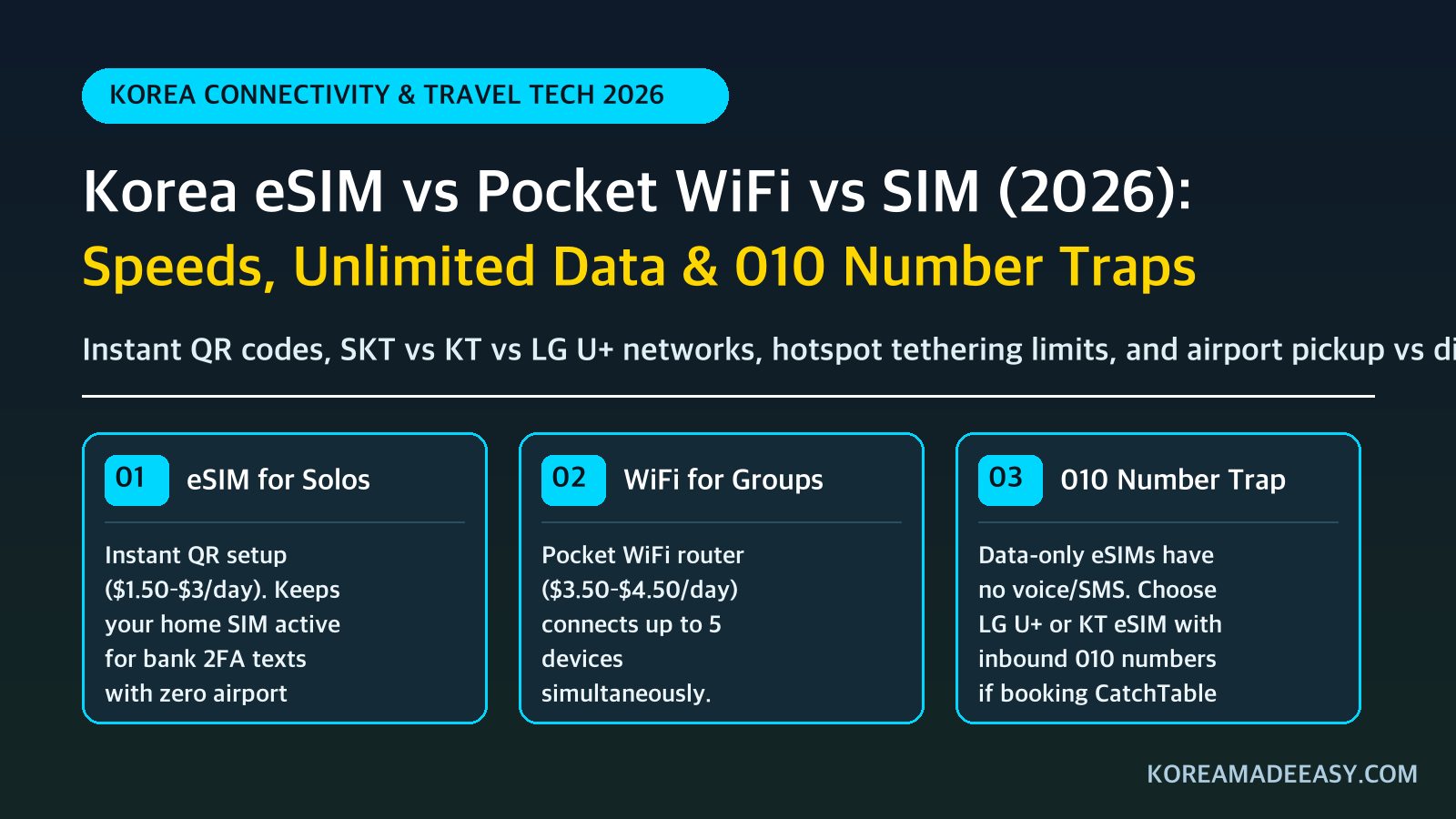
The payoff Confused by dozens of telecom options and anxious about landing with no signal → Confidently activating high-speed Korean 5G data the second your plane touches down at Incheon.
Research context: Foreign visitor questions about shared data devices and physical SIM options for Korea travel
When landing at Incheon International Airport (ICN) or Gimpo Airport (GMP), having instant, reliable mobile data is not a luxury—it is an absolute necessity.
From navigating complex subway transfers on Naver Map and hailing cabs via Kakao T to joining restaurant queues on CatchTable Global, you need high-speed connectivity the moment you step off the plane.
Using one compatible phone and mainly deciding how to install an eSIM? Go to our Korea eSIM buyer’s and setup guide. This guide focuses on the situations where a shared device or a physical SIM deserves the comparison.
However, choosing between an eSIM, a Physical SIM card, or a Pocket WiFi router (“Egg”) in 2026 comes with critical trade-offs:
- “Will a data-only eSIM let me receive bank 2FA security text messages from home?”
- “Why did my internet speed drop to a crawl on day 3 of my trip?”
- “Do I actually need a Korean 010 phone number to book restaurants and taxis?”
Here is the definitive 2026 local guide to comparing Korean eSIM vs Pocket WiFi vs Physical SIMs, decoding carrier networks (SKT, KT, LG U+), and picking the best data plan for your budget.
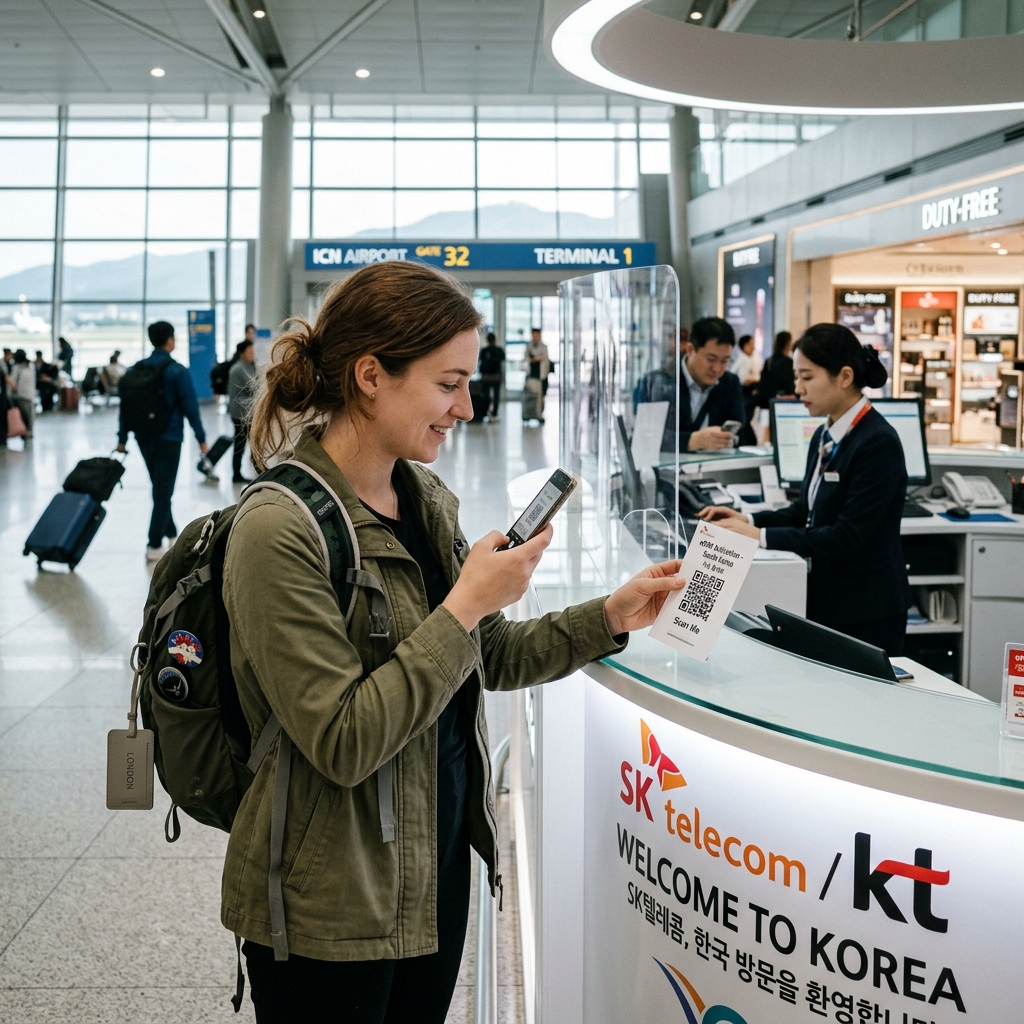
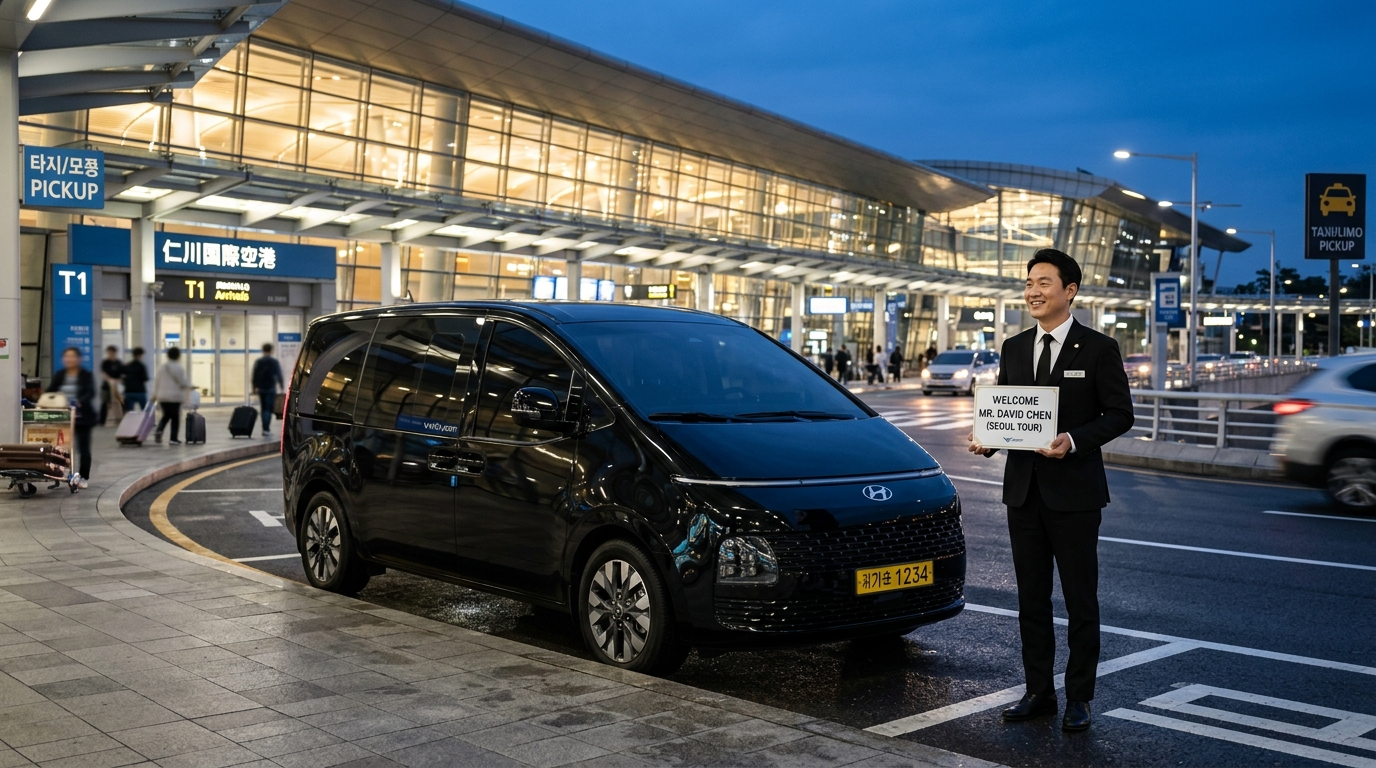
A traveler setting up an eSIM at an airport telecom counter in Incheon Terminal 1. Digital eSIMs activate instantly via QR code without removing physical SIM trays.
1. Quick Decision Matrix: eSIM vs. Pocket WiFi vs. Physical SIM
| Feature | Digital eSIM (QR Code) | Pocket WiFi (“Egg” Router) | Physical Tourist SIM Card |
|---|---|---|---|
| Best For | Solo travelers, couples, modern iPhone & Galaxy users. | Families, groups of 3+, laptop users, older phones. | Travelers with locked or non-eSIM compatible phones. |
| Cost | Priced per plan; longer plans cost less per day (see our price table) | Usually a daily rental fee plus a deposit, shared across the group | Usually priced per plan or per day |
| Setup Process | Scan QR code on your phone before flight; turns on automatically upon landing. | Pick up physical router box & return at Incheon T1/T2 counter. | Swap physical SIM card into phone tray using ejector pin. |
| Home SIM Status | ✅ Keeps Home SIM Active (Dual-SIM for bank 2FA OTP texts). | ✅ Keeps Home SIM Active | ❌ Must remove home SIM (risk of losing tiny nano-SIM). |
| Battery Impact | Zero extra devices to charge. | Requires carrying and charging a portable router; check the rental listing for its stated battery life. | Zero extra devices to charge. |
| Korean Phone Number | Data-only (Airalo) OR Inbound 010 Number (LG U+ / KT). | Data-only WiFi connection. | Available with Korean 010 number (Voice/SMS). |
2. The 3 Major Korean Networks: SKT vs. KT vs. LG U+
All tourist data plans in South Korea operate on one of the country’s three major telecom networks:
1. SK Telecom (SKT, SK텔레콤)
- The Verdict: Korea’s largest mobile carrier by subscriber share, widely noted for broad nationwide coverage including subways and rural or island areas.
- Best Choice For: Travelers planning extensive KTX train journeys, island trips, or rural hiking across Korea.
2. KT (케이티)
- The Verdict: One of the major tourist SIM/eSIM providers, offering automated online eSIM QR code delivery after purchase (exact delivery speed depends on the seller).
- Best Choice For: Last-minute bookings before departure.
3. LG U+ (엘지유플러스)
- The Verdict: Offers tourist SIM and eSIM options that can include inbound Korean 010 voice/SMS numbers (check each plan’s terms, as voice/SMS availability varies by provider).
- Best Choice For: Travelers who want a working Korean mobile number to receive incoming calls from taxi drivers, hotel reception, or local restaurant host desks.
3. The 010 Phone Number Trap: Do You Actually Need One?
One of the most debated questions among foreign visitors is whether to buy a data-only eSIM or pay extra for a plan with a Korean 010 mobile number.
When a Data-Only eSIM is Usually Sufficient:
- You use CatchTable Global for restaurant bookings (accepts overseas +1, +44, +65 numbers).
- You use Uber (UT) or Kakao T “Pay to Driver” for taxi hailing (See Taxi Guide).
- You communicate via WhatsApp, iMessage, Instagram DM, and KakaoTalk.
- Verdict: Most leisure travelers who only need data, maps and messaging can use a data-only eSIM.
When You MUST Get an Inbound 010 Number:
- You are having consultations at Plastic Surgery or Skin Clinics that call you directly for appointment reminders.
- You need to receive incoming voice calls from private Airbnb hosts or package couriers.
- Verdict: Choose a tourist eSIM that includes a Korean number with inbound calls (check the current price and carrier on the provider’s page).
4. Fair Usage Policies (FUP): Throttling Traps to Avoid
When shopping for budget eSIMs on third-party aggregators, check the fine print for data throttling:
⚠️ The 128kbps Throttling Trap: Some ultra-cheap plans offer “1GB daily high speed, then unlimited at 128kbps.” At 128kbps, Naver Map will struggle to load map tiles, and ride-hailing apps can time out. Avoid plans that throttle below 3Mbps to 5Mbps if you rely on live maps.
✅ The Recommended Standard:
- True Unlimited 5G/LTE: No daily cap (available via official KT, SKT, or LG U+ tourist plans).
- Daily 2GB + 5Mbps Speed: 2GB of high-speed 5G per day, after which speeds throttle to 5Mbps (fast enough for 720p YouTube, Spotify, and seamless Naver Map navigation).
5. Step-by-Step Activation Playbook for Travelers
🎯 Step 1: Check Phone eSIM Compatibility
Open your phone dialer and type
*#06#. If an EID barcode appears on your screen, your device supports eSIM. Compatible models include iPhone XS/XR or newer, Google Pixel 4+, and Samsung Galaxy S20+ (Global/US models). Ensure your carrier has unlocked your phone.
🎯 Step 2: Install the eSIM Before Boarding Your Flight
Buy your eSIM online (via Klook, Trazy, or Airalo). Scan the QR code in your phone settings (Settings → Cellular / Mobile Service → Add eSIM). Label it “Korea Travel” and turn it OFF until you land.
🎯 Step 3: Switch Cellular Data Upon Landing at Incheon
As soon as the aircraft wheels touch the runway at Incheon:
- Turn ON the “Korea Travel” eSIM.
- Set Cellular Data to “Korea Travel” and turn Data Roaming ON for the travel eSIM.
- Keep your Primary (Home) SIM set for Voice & SMS (with Data Roaming turned OFF on home SIM) so you can receive free 2FA bank texts!
6. Emergency Korean Showcards: Save to Your Phone
Show these bilingual phrases to airport telecom counters or customer service desks:
📱 Showcard 1: Requesting eSIM / APN Configuration Assistance
“eSIM(또는 유심)을 등록했는데 인터넷 데이터 연결이 안 됩니다. APN 설정 확인 도와주실 수 있나요?” (eSIM [ttoneun yusim] eul deungnokhannneunde inteonet deiteo yeongyeori an doemnida. APN seoljeong hwagin dowajusil su innayo?)
💬 Translation: “I registered my eSIM (or SIM), but mobile data is not connecting. Could you please help me check the APN settings?”
📱 Showcard 2: Incheon Airport Pocket WiFi Pick-up / Return Location
“예약한 포켓 와이파이(와이파이 도시락) 수령/반납 창구가 몇 번 출구 쪽에 있나요?” (Yeyakhan poket waipai [waipai dosirak] suryeong/bannap changguga myeot beon chulgu jjoge innayo?)
💬 Translation: “Which exit gate is the pick-up/return counter for reserved Pocket WiFi routers located near?“
7. Frequently Asked Questions (FAQ)
Q1: Where are the telecom counters located at Incheon Airport?
In Terminal 1 and Terminal 2, SKT, KT, and LG U+ roaming and SIM/WiFi counters are located in the 1st Floor Arrivals Halls. Exact gate locations and operating hours can change, so check the official Incheon Airport Telecommunication & Internet facility directory before you fly.
Q2: Can I share my eSIM connection via personal mobile hotspot?
In many cases, yes — many Korean tourist eSIM plans allow mobile hotspot tethering, though some budget or unlimited plans restrict it. Check your specific plan’s terms before purchasing.
Q3: What happens if I land at 2 AM? Can I still get connected?
If you use an instant QR eSIM installed before departure, your connection can activate after landing without visiting a counter. If you ordered a physical SIM or Pocket WiFi, carrier counters in Incheon Terminal 1 and Terminal 2 may not all keep the same hours, so confirm your pickup counter’s hours on the Incheon Airport facility directory in advance.
Sources checked
- Incheon International Airport — Telecommunication & Internet Facilities (carrier counter locations and service listings at ICN).
- Note: Exact plan pricing, FUP throttle speeds, and carrier counter hours change periodically and were not individually verified across all resellers; check the seller’s plan terms before purchase.
Sources
This is independent guidance, not an official operator or government publication. Evidence and check dates vary by article. See our editorial and corrections policy for the distinction between source checks, personal visits and planning advice.