Food & Dining
CatchTable Global & Korea Restaurant Guide (2026): Cut Long Waits Without a 010 Number
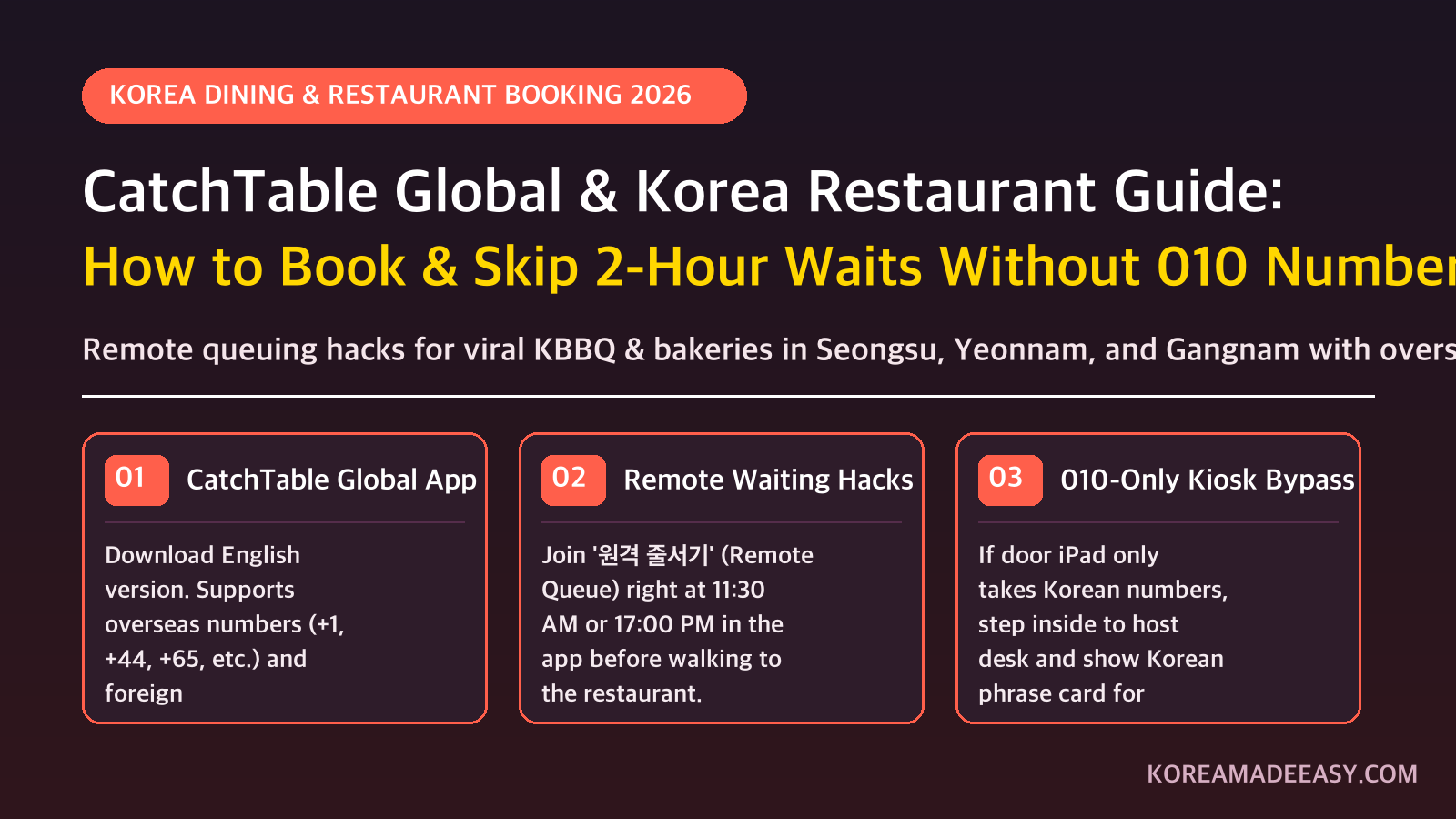
The payoff Frustrated by long lines and blocked by Korean 010 phone prompts → Knowing which booking method each restaurant uses and how to ask for a manual queue ticket.
Research context: CatchTable Global Overseas Card & International Country Code Integration
If you have added viral Korean restaurants to your Seoul itinerary, such as barbecue spots, aged-pork specialists or aesthetic bakeries in Seongsu-dong, you have probably noticed a problem:
You often can’t simply walk up, ask for a table for two, and sit down.
Outside many popular dining spots in Seoul you will find a tablet kiosk on a stand, often with a crowd waiting. When you touch the screen, it may ask for a Korean domestic mobile number (010-XXXX-XXXX) to send KakaoTalk notifications.
If you only have a data eSIM or an overseas phone number, that screen can lock you out.
CatchTable, a restaurant reservation and waitlist app, has added versions for visitors. A Korea Economic Daily report says CatchTable launched an English version in late 2022 and later added Japanese and Chinese, and that it offers mobile waitlists. Here is how I would use it, and how to handle a kiosk that refuses your number.
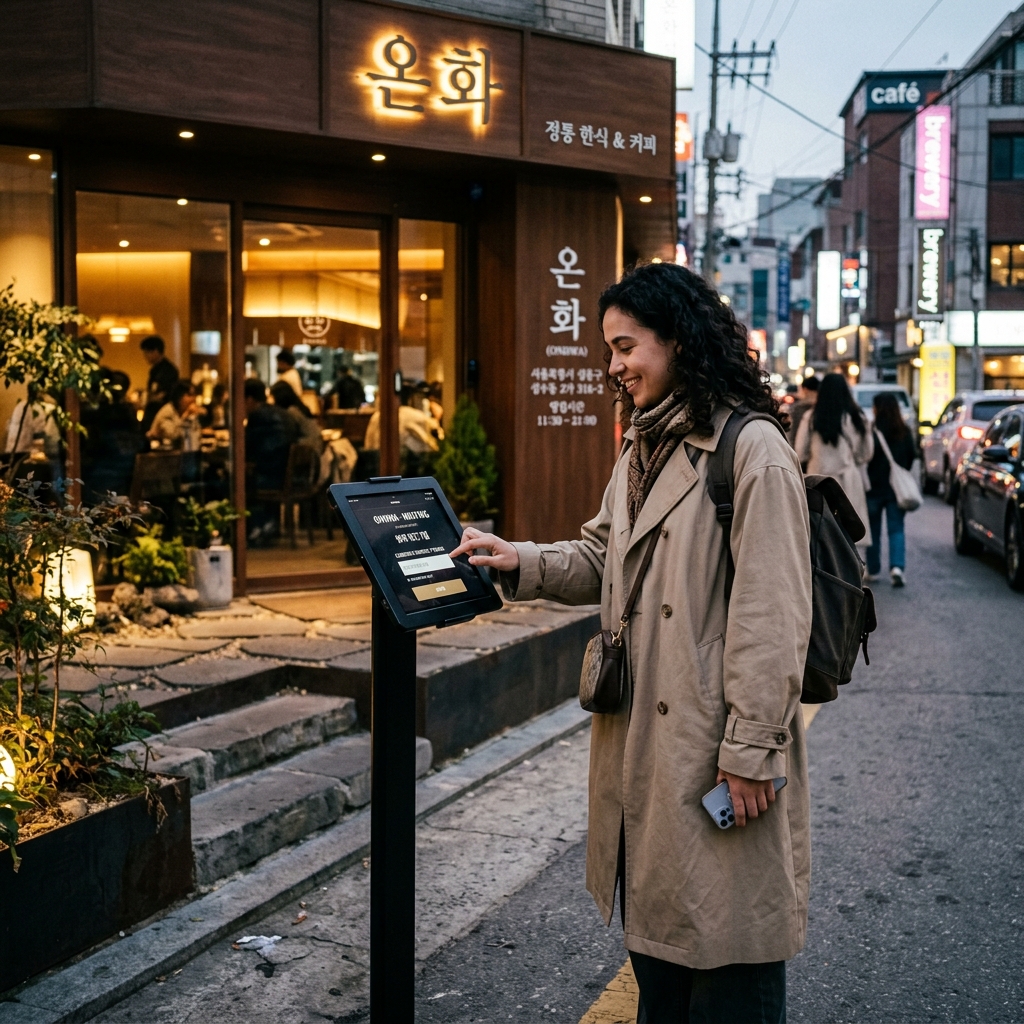
A traveler checking queue times on a CatchTable waiting stand outside a dining venue in Seongsu-dong, Seoul.
1. CatchTable Domestic vs. CatchTable Global: What is the Difference?
To avoid downloading the wrong app, know that there are a Korean-language service and a version for visitors. I couldn’t load CatchTable’s own pages for this update, so the table below is a checklist of things to verify in the app, not a statement of its rules:
| Feature | Domestic Korean CatchTable (캐치테이블) | CatchTable Global (English App / Web) |
|---|---|---|
| Language | Korean | English, Japanese and Chinese (per the news report above); the App Store listing now says it supports 20 languages |
| Phone / sign-up | May ask for Korean verification | Check which sign-up methods the global version offers for overseas visitors |
| Deposit Payments | Often Korean payment methods | Check whether your foreign card is accepted for deposits |
| Remote Waiting | Available at participating restaurants | Check whether the restaurant you want supports it for foreign users |
| Web Version | catchtable.co.kr | catchtable.net/en |
📱 How to Download: Search for “CatchTable Global” in your app store, or visit
catchtable.net/enin your mobile browser and follow the links from there.
2. The 3 Types of Korean Restaurant Queuing Systems
In busy dining districts such as Hongdae, Yeonnam, Seongsu, Euljiro or Gangnam, restaurants use one of three mechanisms (some use more than one):
Type A: Advance Reservations (예약)
- How it works: Some restaurants take bookings for set dates and times. When and how far ahead booking opens differs by restaurant, so read the listing.
- How to book: Search the restaurant in the app, choose date, time and party size, and read the deposit and cancellation terms before you pay. Deposit amounts and refund rules vary by restaurant.
Type B: In-App Remote Waiting (원격 줄서기)
- How it works: The restaurant lets users join the live digital line from their phone without being at the door.
- Timing: Remote queuing opens at times the restaurant sets, often around service hours. The opening time varies, so check the listing in the app.
- Pro Tip: If a restaurant supports it, join while you are travelling there, but stay close enough to arrive when your turn is near.
Type C: On-Site Door Tablet Kiosks (현장 대기)
- How it works: You walk up to the tablet at the entrance and register your party.
- Phone numbers: Some kiosks let you switch the country code. Look for a language or country option on the screen. Others accept only a Korean number, which is why the manual option in the next section matters.
3. What If the Kiosk Rejects Your Foreign Phone Number?
Some kiosks only accept an 11-digit format starting with 010.
If the machine refuses your phone number, don’t give up and leave. Try this:
🎯 Step 1: Walk to the Host Desk
Step up to the front entrance host counter (Ka-un-teo, 카운터) or find a staff member.
🎯 Step 2: Show the Bilingual Manual Queue Showcard
Show the Korean showcard below on your smartphone. Staff may be able to register you manually, for example by writing down your name or giving a paper ticket. This isn’t guaranteed, so be polite and flexible about timing.
4. Emergency Korean Showcards: Save to Your Phone
Show these bilingual phrases to restaurant staff:
📱 Showcard 1: Requesting a Manual Queue Number Without a 010 SIM
“외국인이라 한국 전화번호(010)가 없는데, 현장에서 수기 대기(대기표) 등록 가능할까요?” (Oeguk-in-ira hanguk jeonhwabeonho [010] ga eomneunde, hyeonjang-eseo sugi daegi [daegipyo] deungnok ganeunghalkkayo?)
💬 Translation: “I am a foreign traveler without a Korean 010 phone number. Can you please register me for the waitlist manually or give me a paper ticket?”
📱 Showcard 2: Checking How Many Parties Are Ahead of You
“지금 앞에 대기가 몇 팀 정도 남았나요?” (Jigeum ap-e daegiga myeot tim jeongdo namannayo?)
💬 Translation: “Approximately how many parties/teams are waiting ahead of us right now?“
5. How to Find Out How a Specific Restaurant Takes Bookings
Opening times and queue rules for individual restaurants change often, and I can’t verify them against an official source, so I don’t list them here. A more reliable method:
- Search the restaurant in the CatchTable app and read its listing for reservation, remote-waiting and walk-in details.
- Check the restaurant’s own Instagram or Naver Map page for the current queue method and opening hours.
- Look at recent posts or reviews from the past few weeks, since queue rules change.
- Arrive before opening time if the restaurant is walk-in only.
- If you can’t tell, ask your hotel front desk, or call the 1330 Korea Travel Helpline, which offers a free online call or chat option for travellers.
Barbecue dining has its own specialized grilling etiquette, cutting scissors rules, and ordering conventions detailed in our K-BBQ dining rules guide.
6. Frequently Asked Questions (FAQ)
Q1: What happens if I miss my turn when my number is called?
Rules differ by restaurant. Many give you only a short window after your party is called, and may cancel or move you down the list if you’re late. Check the restaurant’s rule in the app, and stay close once you are near the front.
Q2: Do I need a Korean credit card to pay dining deposits on CatchTable?
Check the payment options in the app before booking. The App Store listing says you can pay with your existing email and credit card, but I could not confirm which foreign cards are accepted or the refund process, and I did not test a payment. Read the restaurant’s deposit and cancellation terms before you pay, and keep the confirmation.
Q3: Can I eat solo at restaurants that use CatchTable?
Often yes, but check the restaurant’s ordering rules. Some restaurants, especially traditional Korean BBQ and braised pork rib spots, set minimum orders; check the listing or ask before joining the queue (See our Solo Dining & Honbap Guide).
Official sources to check
Features, fees and opening details change. Before you rely on any figure above, confirm it with the official source:
- The official CatchTable Global app and its listing for the restaurant you want. I couldn’t load CatchTable’s own web pages for this update, so confirm sign-up options, payment methods and deposit rules in the app.
- VisitKorea: 1330 Korea Travel Helpline — free call or chat option for travellers.
- CatchTable on the App Store (developer WAD corp) — the developer’s listing says no Korean phone number is required, remote waitlisting is supported and 20 languages are available. Check each restaurant’s payment and cancellation terms.
- Background news on CatchTable’s visitor languages and waitlist (not an official CatchTable page): Korea Economic Daily Global.
Sources
- https://www.kedglobal.com/newsView/ked202404170003
- https://english.visitkorea.or.kr/enu/TRV/TV_ENG_3_1.jsp
- https://apps.apple.com/us/app/catchtable-book-restaurants/id1639046576
This is independent guidance, not an official operator or government publication. Evidence and check dates vary by article. See our editorial and corrections policy for the distinction between source checks, personal visits and planning advice.