Travel
Seoul Laptop Cafe Guide (2026): How to Check Wi-Fi, Outlets & Cafe Rules
The payoff Uncertain whether a Seoul cafe will work for a laptop session → quickly checking the details that actually vary by branch, then working without making unsafe assumptions.
📈 Trend signal: Foreign visitor questions about finding a practical laptop workspace in Seoul cafes
Finding a comfortable place to open a laptop, answer messages, or edit travel photos in Seoul can be straightforward—provided you check the individual cafe rather than relying on a city-wide rule.
Some cafes suit long stays better than others. Seating layout, outlet access, Wi-Fi details and laptop policies can all differ by branch, including within the same chain.
This guide gives you a low-risk way to check Wi-Fi, outlets, receipts and laptop policies before you unpack.
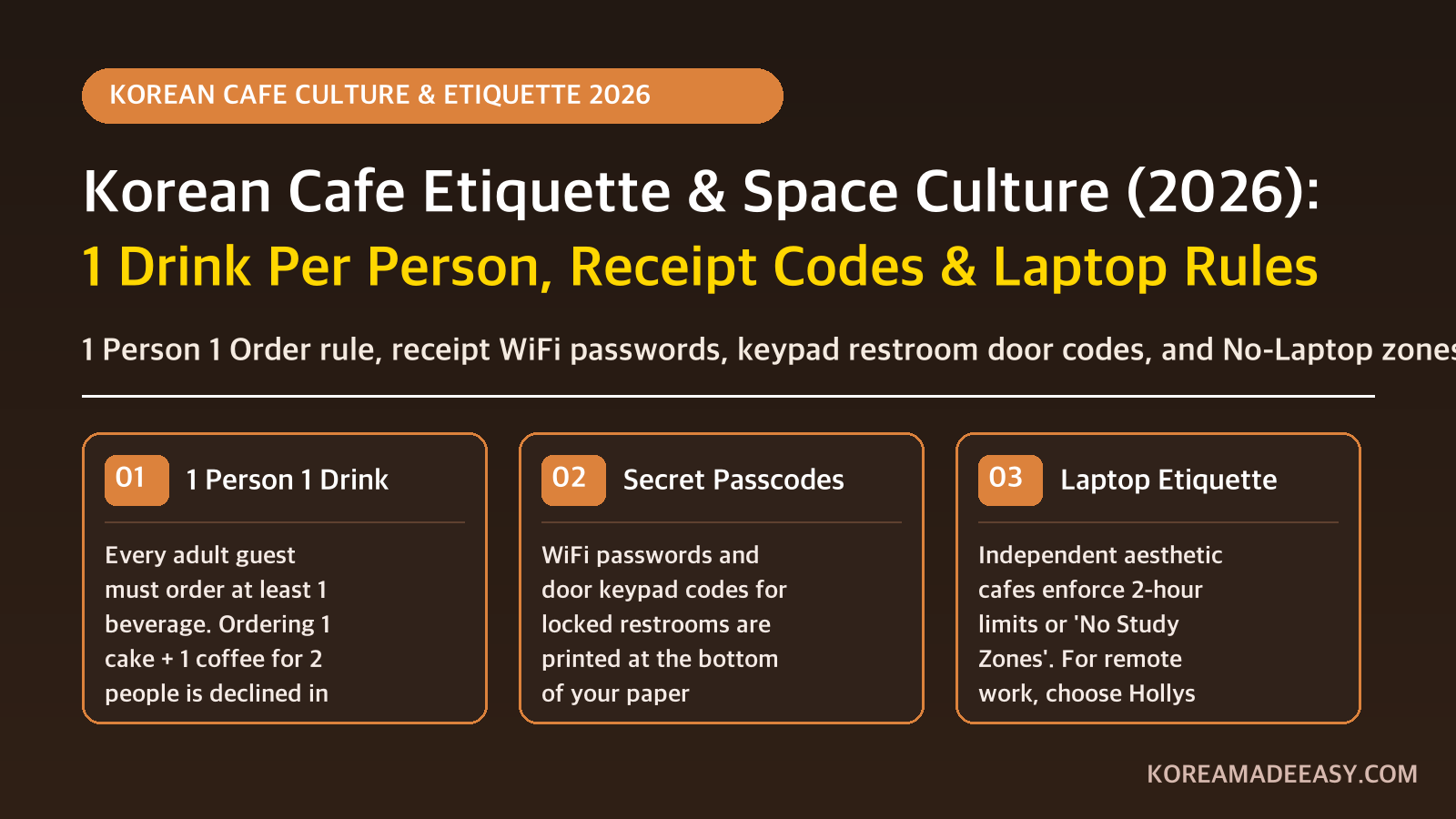
(Planning a general social visit to boutique bakeries instead? Check our complete Seoul Cafe Etiquette & 1-Person 1-Drink Guide).
1. Check the branch, not the brand
For a longer session, start with a store directory and then check the actual branch when you arrive. For example, the official Hollys store directory offers filters for Wi-Fi and 24-hour service. It does not promise outlet density or a particular seating layout, so treat those as branch-level details.
Before ordering, take 30 seconds to check four things:
- Is there an open outlet marked for customer use?
- Is the Wi-Fi name or password displayed?
- Is there a sign about laptop use, calls or a time limit?
- Does the table suit quiet work without blocking a larger group?
2. Receipts, Wi-Fi and restroom codes
When paying at the cash register or self-service kiosk, the machine or barista will ask: “영수증 드릴까요?” (Would you like your receipt?).
If a printed receipt is offered, taking it can be useful—but it is not the only place information appears.
In some commercial buildings, a receipt may show Wi-Fi details or a restroom door code. Other cafes place that information on a pickup-counter sign, self-bar sign, kiosk screen, or provide it when asked. For how keypad door locks work and where numbers are printed, see our Korea public restroom keypad code guide.
| What you need | First places to check |
|---|---|
| Wi-Fi details | Receipt, pickup counter, self-bar sign, or a staff member |
| Restroom access | Receipt, nearby sign, or a staff member |
💡 Didn’t get a receipt? Look for an acrylic mini-stand or chalkboard placed next to the water cup self-bar (셀프바), or ask the staff using our showcards below.
3. Laptop etiquette: follow the sign in front of you
Koreans often call people who study or work in cafes Kagongjok (카공족). A drink purchase does not tell you the time limit at a particular cafe, so the posted policy at that branch is the useful answer.
Read posted policies first
If a cafe posts a time limit, a no-laptop area, or a minimum-order policy, follow it. If there is no sign and you plan to stay a long time, a brief question to staff is the most reliable answer.
Keep your setup modest
Use customer-designated outlets only, keep calls quiet or take them outside, and avoid spreading equipment across a table needed by other customers.
Choose a backup plan
Bring a charged power bank and save a nearby second cafe or coworking space. That makes a branch-level outlet or seating limitation a minor inconvenience rather than a lost workday.
4. Emergency Korean Showcards for Remote Workers
Save or screenshot these bilingual cards to communicate effortlessly:
📱 Showcard 1: Asking for a Table with a Power Outlet
“노트북을 쓰려고 하는데, 콘센트 있는 자리가 어디인가요?” (Notebuk-eul sseuryeogo haneunde, konsenteu inneun jariga eodi-ingayo?)
💬 Translation: “I need to use my laptop. Where are the seats with power outlets?”
📱 Showcard 2: Asking for the Restroom Door Lock Passcode
“화장실 위치와 출입문 비밀번호가 어떻게 되나요?” (Hwajangsil wichiwa churimmun bimilbeonhoga eotteoke doenayo?)
💬 Translation: “Where is the restroom located, and what is the door lock keypad code?”
When reserving top pork belly and beef restaurants, know the grilling etiquette and minimum order rules in our Korean BBQ dining etiquette guide.
5. Frequently Asked Questions (FAQ)
Is it safe to leave a laptop on the table while going to the restroom?
Do not leave a laptop, passport, wallet or phone unattended. The UK government’s South Korea travel advice says crime against foreigners is rare but occasional theft occurs, and specifically advises extra care with passports, cards and money in crowded visitor areas. Take valuables with you.
What voltage and plug types are used in Seoul cafes?
South Korea uses Type C and Type F plugs operating at 220V / 60Hz (round two-prong European style). If your charger uses US/UK flat prongs, you will need a 220V plug adapter.
How do I ask whether a seat has an outlet?
Show the staff this sentence: “노트북을 쓰려고 하는데, 콘센트 있는 자리가 어디인가요?” (Notebuk-eul sseuryeogo haneunde, konsenteu inneun jariga eodi-ingayo?) It means: “I need to use my laptop. Where are the seats with an outlet?” Staff can tell you whether a suitable seat is currently available.
Can I take voice or Zoom calls in Seoul cafes?
Short, quiet voice queries with headphones are fine, but participating in active video conference calls with frequent speaking is considered disruptive in study zones. Use co-working spaces (like WeWork, FastFive, or local study cafes/스터디카페) for meetings.
Written by Yongwoo, founder of Korea Made Easy. Verified against Seoul urban retail standards and remote work hospitality norms.
Planning Your Korea Trip? Compare Your Options
Compare transport, mobile data, and attraction options. Prices and eligibility depend on your selected date and package.
AREX Incheon ↔ Seoul Express
Express train between Incheon Airport and Seoul Station. Follow the selected voucher’s seat reservation and redemption instructions.
Check AREX Express Tickets →Korea eSIM Options
Compare Korea eSIM search results. Check data allowance, supported network, device compatibility, activation, and speed limits.
Compare Korea eSIM Options →WOWPASS Card (Pay + T-Money)
Compare WOWPASS and T-money. Payment and transit balances are separate; check issuance, top-up, exchange, and withdrawal fees.
Read WOWPASS vs T-money →Top Seoul Passes & Day Tours
Browse general Seoul activity search results. This is not a guaranteed-entry pass or a fixed-discount offer; check each product’s inclusions.
Browse Seoul Activity Options →Sources
- https://www.hollys.co.kr/store/korea/korStore2.do (Hollys official store directory)
- https://www.gov.uk/foreign-travel-advice/south-korea/safety-and-security (UK FCDO travel safety guidance)
Search-trend data from Google Trends (KR) and Naver DataLab. This article is independent commentary and is not affiliated with any broadcaster, agency, or the individuals mentioned.