Living
Why Google Maps Doesn't Work in Korea: The Complete 2026 Naver Map English Guide
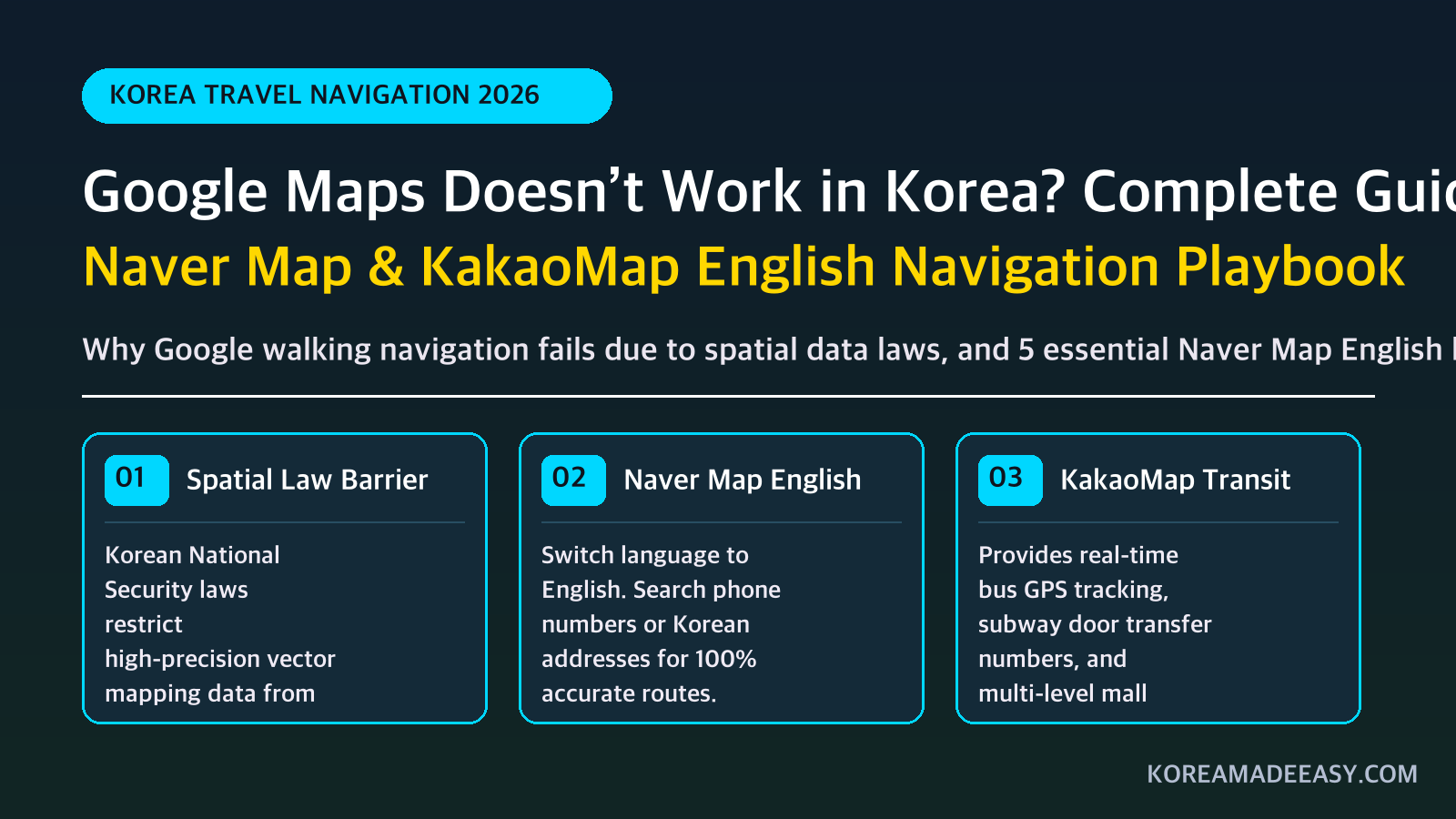
The payoff Spinning around in circles using Google Maps' broken walking arrow in Seoul alleyways → seamlessly navigating Korea's intricate streets and finding hidden hanok cafes with Naver Map in English.
You arrive in Seoul, step out of the subway station, open Google Maps, type in a trendy cafe or BBQ restaurant, and hit “Directions.”
Then you stare at the screen in disbelief: Google Maps displays a generic error message, gives you no walking route, or only offers outdated bus schedules.
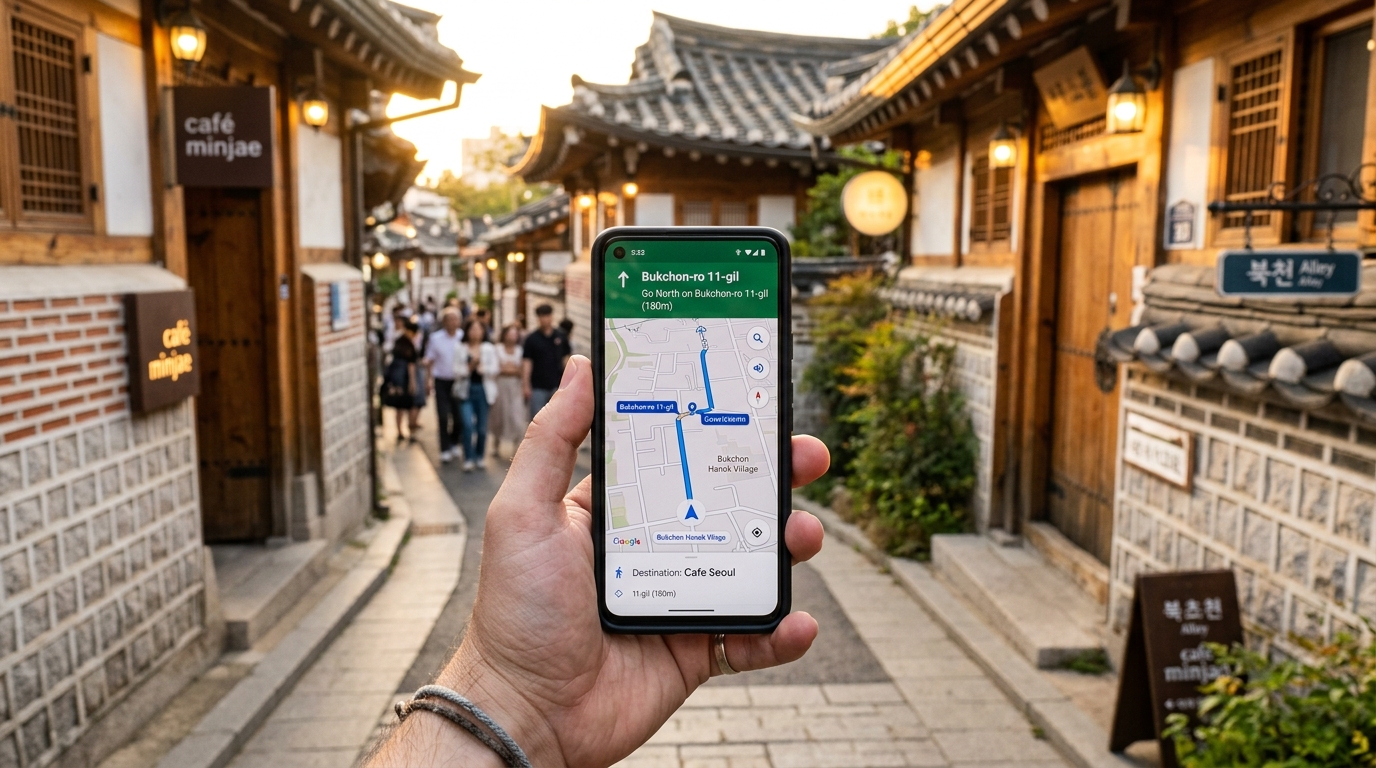
Navigating Seoul alleyways: Naver Map provides 100% precision GPS walking directions, building footprints, and subway exit numbers.
Why does the world’s most powerful navigation app fail in South Korea — one of the most high-tech countries on earth?
Here is the real legal reason why Google Maps is crippled in Korea, and the 3-step playbook to set up Naver Map in English so you never get lost in Seoul.
1. Why Google Maps is Crippled in South Korea
Contrary to popular belief, South Korea does not “block” Google. The restriction is rooted in strict national security legislation.
Under the Spatial Data Industry Promotion Act (국가공간정보보안관리규정) and ceasefire security protocols from the Korean War:
- Precision high-resolution mapping data (scale 1:5,000) cannot be exported to foreign cloud servers outside South Korea.
- Foreign servers could expose coordinates of military bases, government bunkers, and air defense radar positions.
- The Korean government offered Google access to the map data on one condition: Google must blur or obscure sensitive military facilities on satellite imagery.
- Google repeatedly refused to alter its global satellite database, meaning it cannot host Korea’s precision vector map data.
As a result, Google Maps in Korea can only calculate public transit routes using low-resolution public feeds. It has zero real-time GPS walking navigation, no turn-by-turn driving, and out-of-date shop databases.
2. The Solution: Download Naver Map (네이버 지도)
The undisputed king of navigation in South Korea is Naver Map. It features complete English localization, ultra-precise walking paths, building 3D layouts, and real-time subway train arrival times down to the exact second.
📱 How to Switch Naver Map to English (10-Second Setup)
- Download Naver Map from the Apple App Store or Google Play Store.
- Open the app and tap the Three Horizontal Lines (☰) in the top left corner.
- Tap the Settings Gear Icon (⚙️) at the top.
- Select Language (언어 설정) and choose English (영어).
- The entire interface, voice navigation, and search results will immediately switch to English!
3. The 3 Pro-Hacks for Navigating Korea Without Reading Korean
Even with English turned on, Korean addresses can sometimes feel overwhelming. Use these 3 insider hacks:
Hack 1: The “Subway Exit Number” Rule
In Korea, every major building, cafe, and hotel is described relative to a subway exit. When searching for a destination on Naver Map, always check which Exit Number (출구) is highlighted on the map.
Seoul subway stations can have up to 20 different exits spanning several city blocks. Choosing the wrong exit can add 15 minutes of walking on the wrong side of a 10-lane avenue.
Hack 2: Copy-Paste Korean Names from Blogs or Instagram
If a tiny hidden restaurant does not appear when typed in English, copy its Korean Hangul name (e.g., 토속촌 삼계탕) directly into Naver Map’s search bar. The app will immediately recognize it and give you English walking directions to the front door.
Hack 3: Save Pins into Custom “Favorites” Lists
Before heading out for the day, search your target spots and tap the Bookmark (★) icon. You can create a custom folder (e.g., “Seoul Day 1 - Hongdae”) so all your planned stops show up as colorful pins directly on your map.
4. Emergency Help: “Which Exit Should I Take?”
If you are standing inside a massive multi-level subway station and cannot find the right stairs to street level, tap the card below and show it to any passerby or station staff:
💡 Navigation Data Tip: Naver Map downloads dynamic vector tiles and GPS updates continuously. To keep your live walking blue dot moving smoothly without signal drops, grab a Korea eSIM from Airalo before your flight.
FAQ
Does KakaoMap work better than Naver Map in English? Both apps are excellent, but Naver Map currently has the superior English interface and search indexing for foreign tourists. KakaoMap is great for Korean speakers, but some foreign users report that KakaoMap’s English search results occasionally miss smaller cafes.
Can I use Apple Maps in South Korea? Apple Maps works slightly better than Google Maps because Apple partners with local Korean map providers for vector data. However, Apple Maps still lacks real-time walking turn-by-turn guidance and cannot compare to Naver Map’s local accuracy.
Does Naver Map work offline without internet? No. Naver Map requires an active mobile data connection or Wi-Fi to calculate real-time bus arrivals, live traffic, and route geometry. Make sure you have an eSIM or pocket Wi-Fi before traveling.
How do I find English restaurant menus on Naver Map? When you tap on any restaurant pin in Naver Map, scroll down to the “Visitor Reviews” (방문자 리뷰) tab. Korean customers upload photos of physical menus and dishes, allowing you to see current prices and food photos before stepping inside.
Planning Your Trip to Korea? Save Time & Money
The top 3 verified tools every traveler needs before arriving in Seoul:
Korea Unlimited 5G eSIM
Skip the long airport pickup lines. Install digitally in 2 minutes for instant high-speed maps & navigation.
Get Airalo eSIM →AREX Direct Airport Train
Fastest way from Incheon Airport to Seoul Station. Reserved seating, free Wi-Fi, and zero traffic jams.
Book AREX Discount →WOWPASS Card & Hotel Deals
Pay everywhere with zero foreign transaction fees, top-up subway cash balance, and unlock cashbacks.
Compare Card Options →